 How to Split Screen on Android and Use Two Apps at Once
 How to Use Vertical Tabs in Microsoft Edge
 How to Block Emails in Gmail on Any Device
 How to Use Back Tap on iPhone for Shortcuts and Actions
 Google Docs Page Setup: Margins, Orientation and Pageless
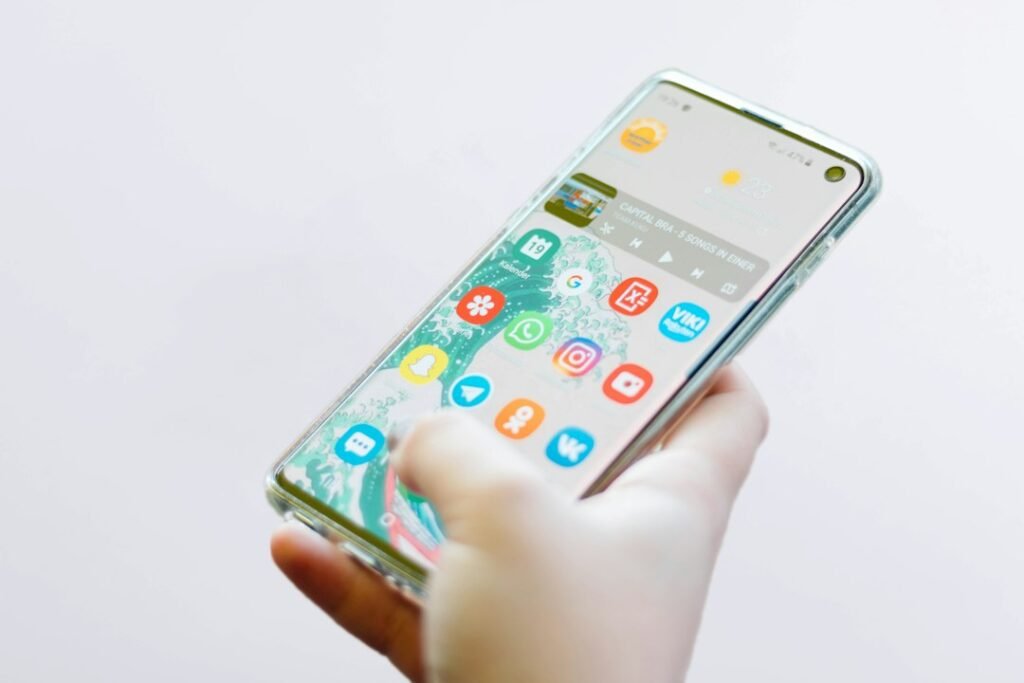



How to Split Screen on Android and Use Two Apps at Once
Android split screen lets you keep two compatible apps visible at the same time. You can follow directions while checking...
Android split screen lets you keep two compatible apps visible at the same time. You can follow directions while checking...

Microsoft Edge vertical tabs move your open pages from the top of the browser to a scrollable pane on the...

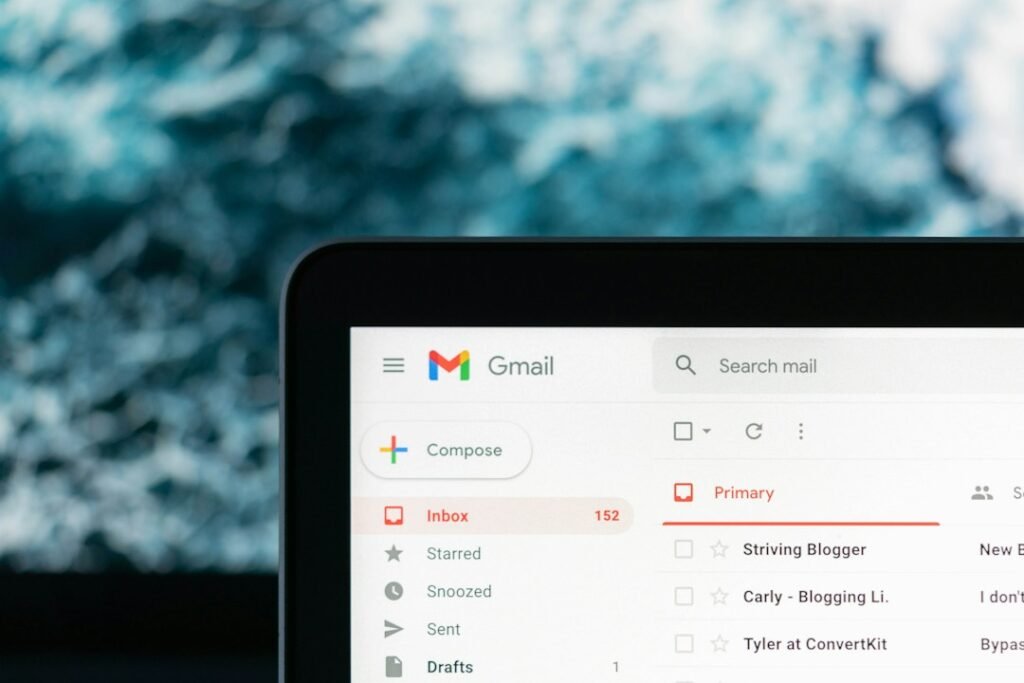
Blocking a sender in Gmail is a quick way to keep repeated unwanted messages out of your inbox. Future emails...

Back Tap turns the rear of a compatible iPhone into an extra control. A quick double-tap or triple-tap can take...

Google Docs page setup controls how a document looks on screen, in a PDF and on paper. The right settings...

Android’s Private Space gives compatible phones a separate, lockable area for apps you would rather keep out of ordinary view....

WhatsApp photos can quickly fill a camera roll or clutter an Android gallery, especially when you belong to active groups....

A Google Docs dropdown list gives collaborators a consistent set of choices inside a document. Instead of typing different versions...

An app may need one photo for a profile picture without needing your entire library. iPhone lets you review which...

When a useful page is open on your computer but you need it on your phone, you do not have...